Best Website Builders for Small Businesses in 2026
In today’s digital-first world, having a professional website is no longer optional for small businesses—it’s essential. Whether you’re launching a new startup, running a local service business, or expanding an online store, your website is often the first impression customers have of your brand.
The good news is that building a website has never been easier. Modern website builders allow business owners to create professional, mobile-friendly websites without needing to write a single line of code. They also include powerful tools for search engine optimization (SEO), e-commerce, booking systems, email marketing, and customer management.
But with so many options available, choosing the right platform can feel overwhelming.
This guide explores the best website builders for small businesses in 2026, highlights their strengths, and explains how to choose the one that best fits your goals.
Why Your Small Business Needs a Professional Website
Consumers expect businesses to have an online presence. A modern website helps you:
- Build credibility and trust
- Reach customers 24/7
- Showcase your products or services
- Generate leads and online sales
- Improve visibility on search engines
- Compete with larger businesses
Even if most of your customers come through referrals or social media, a website provides a central hub where people can learn about your business, contact you, and make purchasing decisions.
What to Look for in a Website Builder
Before comparing platforms, consider the features that matter most.
Ease of Use
If you don’t have technical experience, choose a builder with a drag-and-drop editor and intuitive interface.
Mobile Responsiveness
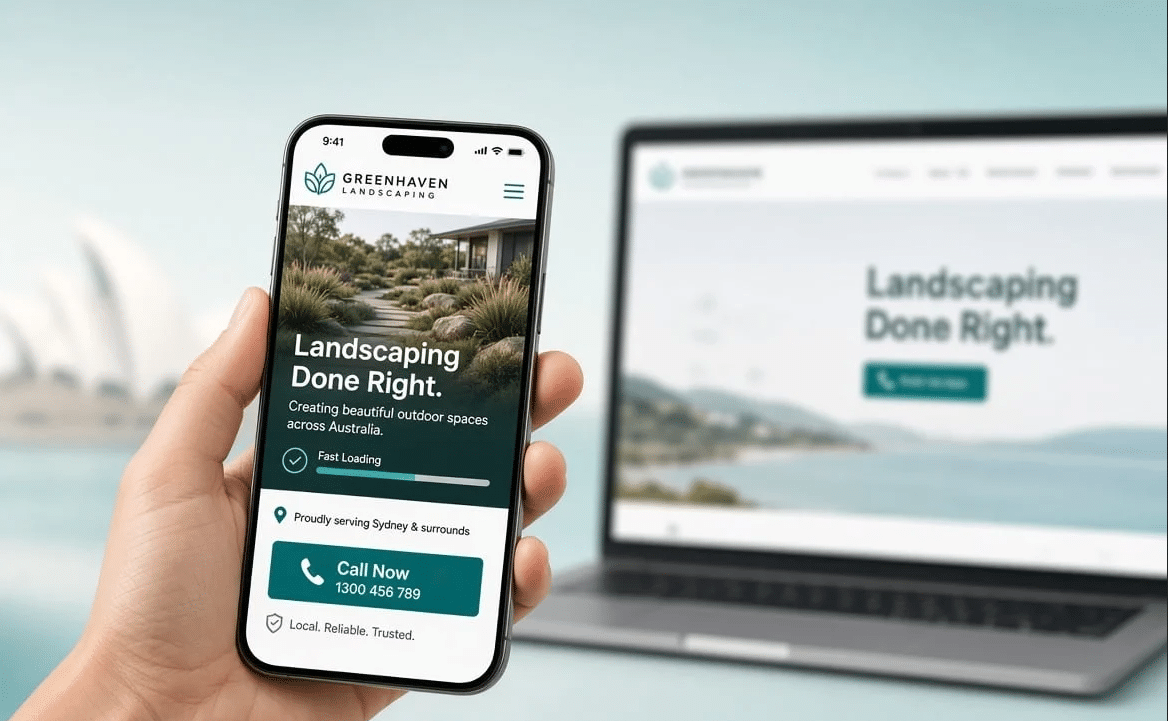
Most web traffic now comes from smartphones. Your website should automatically look great on every device.
SEO Features
A good website builder should allow you to:
- Edit page titles
- Customize meta descriptions
- Create SEO-friendly URLs
- Add image alt text
- Generate XML sitemaps
- Improve page loading speed
Customization
Templates are helpful, but your website should still reflect your unique brand through colors, fonts, layouts, and content.
E-commerce Capabilities
If you plan to sell products online, look for:
- Secure checkout
- Inventory management
- Shipping tools
- Payment gateway integrations
- Product variations
- Discount codes
Scalability
Choose a platform that can grow alongside your business instead of forcing you to migrate later.
Best Website Builders for Small Businesses in 2026
1. Wix
Wix continues to be one of the most popular website builders for small businesses because it balances ease of use with powerful customization.
Best For
- Local businesses
- Freelancers
- Consultants
- Service providers
Key Features
- Drag-and-drop editor
- Hundreds of professional templates
- AI-powered website creation
- Built-in SEO tools
- Appointment booking
- Marketing automation
Pros
- Beginner-friendly
- Excellent design flexibility
- Large app marketplace
- Fast setup
Cons
- Advanced customization has some limitations
- Pricing increases as additional features are added
2. Squarespace
Squarespace is known for elegant designs and polished templates.
It’s especially popular among photographers, designers, restaurants, and creative businesses.
Best For
- Portfolios
- Creative agencies
- Personal brands
- Boutique stores
Strengths
- Beautiful templates
- Excellent blogging tools
- Built-in analytics
- Strong SEO capabilities
- Integrated e-commerce
Potential Drawbacks
The editor is slightly less flexible than some competitors.
3. Shopify
If your primary goal is selling products online, Shopify remains one of the strongest choices.
Best For
- Online stores
- Retail businesses
- Growing e-commerce brands
Features
- Inventory management
- Multiple payment gateways
- Shipping automation
- Abandoned cart recovery
- Advanced reporting
- Multi-channel selling
Advantages
- Extremely reliable
- Secure hosting
- Excellent scalability
Limitations
It focuses primarily on e-commerce rather than content-heavy websites.
4. WordPress
WordPress offers unmatched flexibility and customization.
Although it has a steeper learning curve than all-in-one builders, it powers a significant portion of websites worldwide.
Best For
- Growing businesses
- Content marketing
- SEO-focused websites
- Businesses needing advanced functionality
Benefits
- Thousands of themes
- Massive plugin library
- Complete design control
- Excellent SEO support
- Highly scalable
Considerations
You may need to manage hosting, updates, and security depending on your setup.
5. Webflow
Webflow bridges the gap between website builders and professional web development.
Best For
- Agencies
- Startups
- Businesses wanting custom designs
Features
- Visual design interface
- Advanced animations
- CMS capabilities
- Strong SEO tools
- Clean code output
Downsides
The learning curve is higher than drag-and-drop builders.
6. Hostinger Website Builder
Hostinger offers one of the most affordable website-building solutions available.
Best For
- New businesses
- Budget-conscious entrepreneurs
- Simple business websites
Benefits
- AI website generator
- Fast loading
- Affordable pricing
- Easy editing
- Built-in SEO tools
Step-by-Step Guide: How to Choose the Right Website Builder
Choosing the best platform doesn’t have to be complicated. Follow these steps to make an informed decision.
Step 1: Define Your Website Goals
Ask yourself:
- Do you want to generate leads?
- Sell products?
- Book appointments?
- Build a portfolio?
- Share educational content?
Your goals determine which features matter most.
Step 2: Set Your Budget
Consider ongoing costs such as:
- Monthly subscription
- Domain registration
- Premium templates
- Email hosting
- Marketing tools
- Additional apps
A lower upfront price isn’t always the best value if you need to add multiple paid features later.
Step 3: Prioritize Ease of Use
If you plan to manage your own website, choose a platform that lets you update pages, publish blog posts, and edit images without technical expertise.
Step 4: Compare SEO Features
Organic traffic can become one of your most valuable marketing channels.
Look for website builders that support:
- Fast page speed
- Mobile optimization
- Metadata editing
- Structured URLs
- Blogging
- Schema markup support
- Secure HTTPS connections
Step 5: Think About Future Growth
Many businesses start with a simple website but later expand into:
- Online sales
- Membership programs
- Online courses
- Customer portals
- Advanced marketing automation
Selecting a scalable platform can save significant time and money down the road.
Step 6: Test Before You Commit
Most website builders offer free trials.
Take advantage of these by:
- Building a sample homepage
- Testing mobile responsiveness
- Trying the editor
- Publishing test content
- Reviewing available templates
Hands-on experience often reveals which platform feels most comfortable.
SEO Tips for Small Business Websites
A great website builder is only part of the equation. To improve your search engine visibility:
- Write unique page titles.
- Use descriptive headings.
- Optimize images with alt text.
- Publish helpful blog content regularly.
- Improve page speed.
- Keep navigation simple.
- Include internal links between pages.
- Encourage customer reviews.
- Create location pages if you serve specific areas.
- Regularly update outdated content.
Consistent optimization can improve rankings over time and help attract qualified visitors.
Common Mistakes to Avoid
Many small businesses make avoidable website mistakes.
Watch out for:
- Choosing a platform based only on price
- Ignoring mobile optimization
- Using too many plugins or apps
- Publishing thin or duplicate content
- Forgetting website backups
- Neglecting SEO settings
- Using low-quality images
- Having confusing navigation
- Not including clear calls to action
A clean, user-friendly website often performs better than one overloaded with unnecessary features.
Frequently Asked Questions
Which website builder is best for beginners?
Wix and Hostinger Website Builder are excellent choices for beginners because they offer intuitive drag-and-drop editors, AI-assisted setup, and minimal technical requirements.
Which website builder is best for e-commerce?
Shopify is widely regarded as one of the best options for businesses focused on selling products online thanks to its powerful inventory management, secure checkout, and scalability.
Is WordPress better than website builders?
It depends on your needs. WordPress offers greater flexibility and customization, while all-in-one website builders are generally easier to use and maintain for non-technical users.
Can I improve my SEO with a website builder?
Yes. Most leading website builders include tools to optimize titles, meta descriptions, image alt text, and URLs. Publishing valuable content and maintaining a fast, mobile-friendly website are also important for SEO.
How much does a small business website cost?
Costs vary depending on the platform, features, and optional services such as premium themes, custom domains, and e-commerce functionality. Many businesses start with an affordable monthly plan and upgrade as their needs grow.
Should I hire a web designer?
If you need a highly customized website, advanced functionality, or a unique brand experience, hiring a professional can be worthwhile. However, many small businesses successfully build and manage their own websites using modern website builders.
Final Thoughts
Finding the best website builders for small businesses in 2026 comes down to understanding your goals, budget, and long-term plans. Whether you prioritize ease of use, design flexibility, e-commerce capabilities, or advanced customization, there’s a platform that fits your needs.
Start by identifying the features that matter most to your business, test a few builders with free trials, and choose one that can grow alongside your company. Pair your website with quality content, strong SEO practices, and a clear user experience, and you’ll be well positioned to attract visitors, generate leads, and support your business’s success in the years ahead.