Meta Titles vs. Meta Descriptions: What’s the Real Difference?
If you’ve ever optimized a webpage for search engines, you’ve probably encountered two essential elements: meta titles and meta descriptions. They’re small pieces of text, but they carry serious weight when it comes to search visibility and click-through rates.
Yet many website owners, bloggers, and even marketers still ask: Meta Titles vs. Meta Descriptions: What’s the Real Difference?
Understanding how these two elements work — individually and together — can dramatically improve how your pages perform in search results. In this guide, we’ll break down what sets them apart, how they influence SEO, and how to optimize both without falling into keyword stuffing or outdated tactics.
Let’s dive in.
What Is a Meta Title?
A meta title (also called a title tag) is the clickable headline that appears in search engine results pages (SERPs). It tells both users and search engines what your page is about.
When someone searches on Google, the blue clickable link they see is usually your meta title.
Why Meta Titles Matter
Meta titles:
-
Help search engines understand your page topic
-
Influence your rankings
-
Act as the first impression for searchers
-
Appear in browser tabs
-
Show up when shared on social media
Think of the meta title as your page’s headline in search results. If it’s unclear or boring, users won’t click — even if you rank well.
Recommended Length
-
50–60 characters (or about 580–600 pixels)
-
Too long? It gets truncated.
-
Too short? You miss optimization opportunities.
What Is a Meta Description?
A meta description is the short paragraph that appears below the meta title in search results. It summarizes what users can expect when they click your page.
While meta descriptions are not a direct ranking factor in Google Search, they strongly impact click-through rates (CTR).
Why Meta Descriptions Matter
Meta descriptions:
-
Provide context and value
-
Encourage users to click
-
Support your main keyword naturally
-
Improve engagement signals
Think of the meta description as your elevator pitch. It doesn’t push rankings directly, but it persuades people to choose your result over competitors.
Recommended Length
-
150–160 characters (desktop)
-
Around 120 characters (mobile)
If you exceed this, your text may be cut off with an ellipsis.
Meta Titles vs. Meta Descriptions: Key Differences
Let’s clearly break down the difference between the two:
| Feature | Meta Title | Meta Description |
|---|---|---|
| Purpose | Defines the page topic | Summarizes page content |
| Ranking Impact | Direct ranking factor | Not a direct ranking factor |
| Length | 50–60 characters | 150–160 characters |
| Placement | Clickable headline in SERPs | Snippet text under headline |
| Role | Attracts and signals relevance | Persuades and increases CTR |
In Simple Terms
-
Meta title = What your page is about
-
Meta description = Why someone should click
Both work together. One drives visibility. The other drives action.
How Search Engines Use Them
Search engines analyze your meta title to understand relevance. It’s one of the strongest on-page SEO signals.
Meta descriptions, however, are sometimes rewritten by search engines if they think another section of your page better matches a user’s query. That’s why writing clear, keyword-aligned descriptions matters.
Even when rewritten, having a well-crafted description improves your chances of influencing what appears in search results.
Step-by-Step Guide: How to Optimize Meta Titles and Meta Descriptions
Now that you understand the difference, let’s walk through how to create both effectively.
Step 1: Identify Your Primary Keyword
Before writing anything, choose one main keyword that clearly reflects your page’s intent.
For example:
-
Informational blog post
-
Product page
-
Service page
-
Comparison article
Your keyword should naturally fit into both your meta title and meta description — without forcing it.
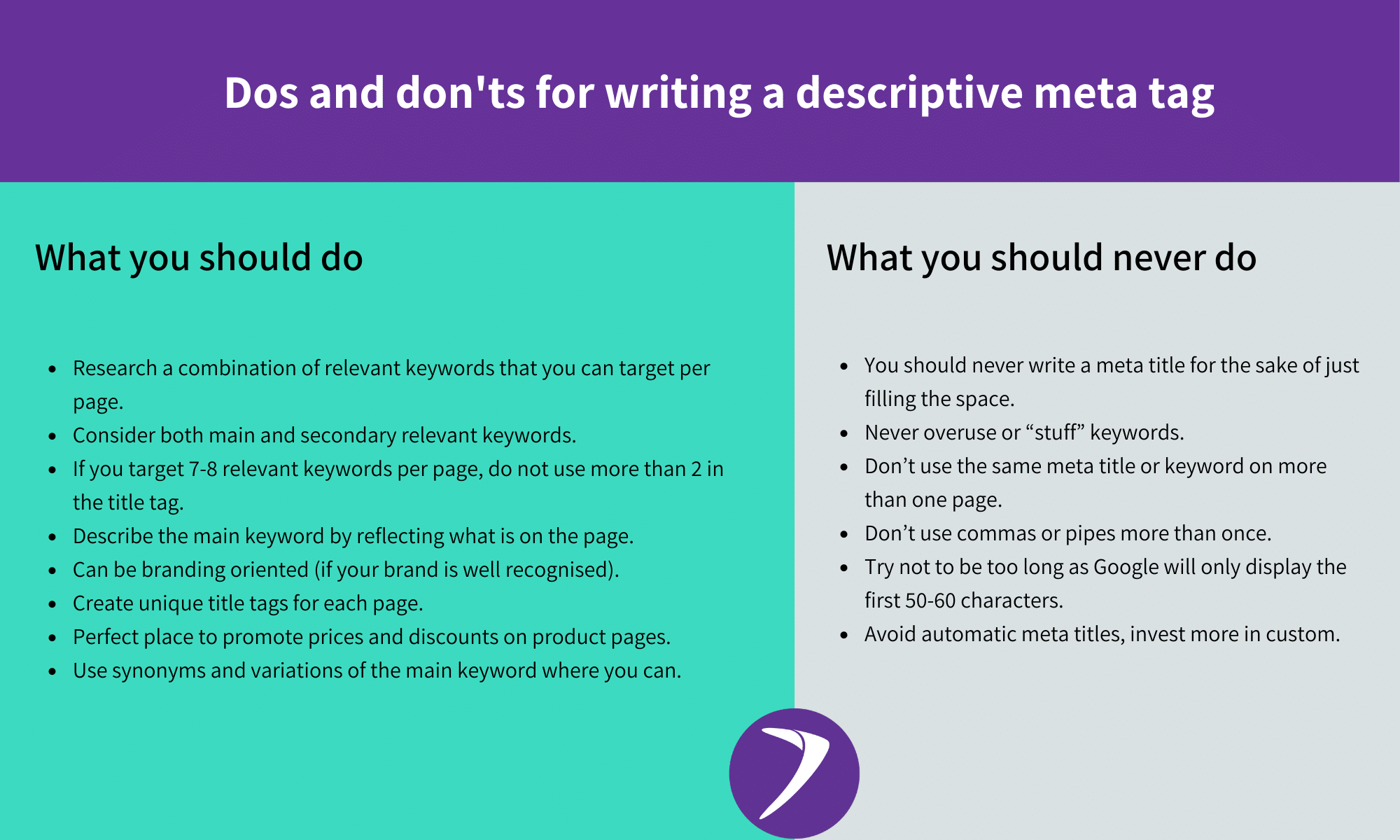
Step 2: Craft a Clear, Compelling Meta Title
Follow this structure:
Primary Keyword + Value + Optional Brand
Example format:
Meta Titles vs. Meta Descriptions: What’s the Real Difference? (Complete Guide)
Best practices:
-
Place your main keyword near the beginning
-
Avoid ALL CAPS
-
Make it readable and human-friendly
-
Add clarity or benefit
Avoid:
-
Keyword stuffing
-
Repeating the same phrase unnaturally
-
Writing vague titles like “Home” or “Blog”
Step 3: Write a Persuasive Meta Description
Your meta description should:
-
Expand on the title
-
Highlight value
-
Encourage action
-
Include the keyword naturally
A simple formula:
Problem + Promise + Action
Example:
Confused about meta titles and meta descriptions? Learn the real differences, SEO impact, and how to optimize both for better rankings and clicks.
Notice it flows naturally and isn’t stuffed.
Step 4: Match Search Intent
Ask yourself:
-
Is the searcher looking for information?
-
A comparison?
-
A solution?
-
A product?
If your page is educational, your meta description should promise clarity or guidance. If it’s commercial, emphasize benefits and outcomes.
Alignment improves CTR dramatically.
Step 5: Avoid Common Mistakes
Here are errors that hurt performance:
❌ Duplicate meta titles across pages
❌ Missing meta descriptions
❌ Keyword stuffing
❌ Overly long text that gets cut off
❌ Clickbait that misleads users
Search engines value clarity and relevance over tricks.
Advanced Tips for Better Performance
If you want to go beyond basics:
Use Emotional Triggers (Naturally)
Words like:
-
Ultimate
-
Simple
-
Proven
-
Step-by-step
-
Complete
These increase engagement without manipulation.
Add Numbers When Relevant
List-style content performs well:
-
7 Differences Between Meta Titles and Descriptions
-
10 SEO Tips for Better Snippets
Test and Improve
Monitor CTR inside Google Search Console. If a page ranks well but gets low clicks, your meta title or description may need refinement.

How Meta Titles and Descriptions Work Together
-
Meta title earns visibility.
-
Meta description earns the click.
-
Your content earns trust.
If one fails, the system breaks.
High rankings with poor titles lead to low traffic. Great descriptions without rankings won’t get seen. Balance is key.
Frequently Asked Questions
1. Are meta descriptions a ranking factor?
No, not directly. However, they influence click-through rate, which can indirectly impact performance.
2. Can search engines rewrite my meta description?
Yes. Search engines sometimes pull text from your page if it better matches a search query.
That’s why your on-page content should also be well-structured and aligned with your keyword.
3. Should every page have a unique meta title and description?
Absolutely. Duplicate metadata confuses search engines and reduces your visibility potential.
Each page serves a different purpose — its metadata should reflect that.
4. What happens if I don’t write a meta description?
Search engines will automatically generate one from your page content. This often results in less persuasive snippets.
Writing your own gives you control.
5. How often should I update meta titles and descriptions?
Review them if:
-
Rankings drop
-
CTR is low
-
You update content
-
Search intent changes
SEO is ongoing — not one-and-done.
Final Thoughts: Why Understanding the Difference Matters
When it comes to Meta Titles vs. Meta Descriptions: What’s the Real Difference?, the answer is simple but powerful:
-
One defines relevance.
-
The other drives action.
Meta titles help search engines rank your page.
Meta descriptions help users decide to click.
Both are essential. Both deserve strategy.