Why Accessibility Should Be Your Web Design Superpower
When most people think about web design, they picture stunning visuals, slick animations, and mobile responsiveness. But what if we told you there’s a superpower that not only enhances user experience but also boosts SEO, increases conversions, and builds brand trust?
Welcome to the world of accessible web design—the secret ingredient that separates good websites from truly great ones.
In this post, we’ll explore why accessibility should be your web design superpower, walk you through a step-by-step guide to implement it effectively, and answer the most common questions around accessible design.
What Is Web Accessibility?
Web accessibility ensures that people with disabilities can use websites and digital tools just as effectively as those without disabilities. This includes people with:
-
Visual impairments (e.g., blindness, low vision)
-
Hearing impairments
-
Cognitive or learning disabilities
-
Motor skill challenges
-
Temporary disabilities (like a broken arm)
-
Situational limitations (like browsing in bright sunlight)
Accessible design makes sure everyone, regardless of ability, can interact with your content.
And here’s the kicker: when you make your site accessible, everyone benefits—not just people with disabilities. Think of captions on videos, keyboard navigation, or clear font choices. They help users across the board.
Why Accessibility Should Be Your Web Design Superpower
Let’s break it down.
1. It’s the Right Thing to Do
First and foremost, inclusion matters. Making the web accessible means you’re not excluding anyone based on ability. It’s about equal opportunity, dignity, and usability.
2. It’s Legally Required
Many countries, including the U.S. (under the ADA), the UK (Equality Act), and the EU, have legal requirements for web accessibility. Failure to comply can lead to lawsuits, fines, and reputational damage.
3. It Expands Your Audience
Over 1 billion people worldwide live with some form of disability. Why cut off access to such a massive user base?
4. It Improves SEO
Search engines love accessible websites. When you use semantic HTML, provide image alt text, and structure content properly, you’re not just helping users—you’re also making your site easier for Google to crawl and rank.
5. It Boosts Usability for Everyone
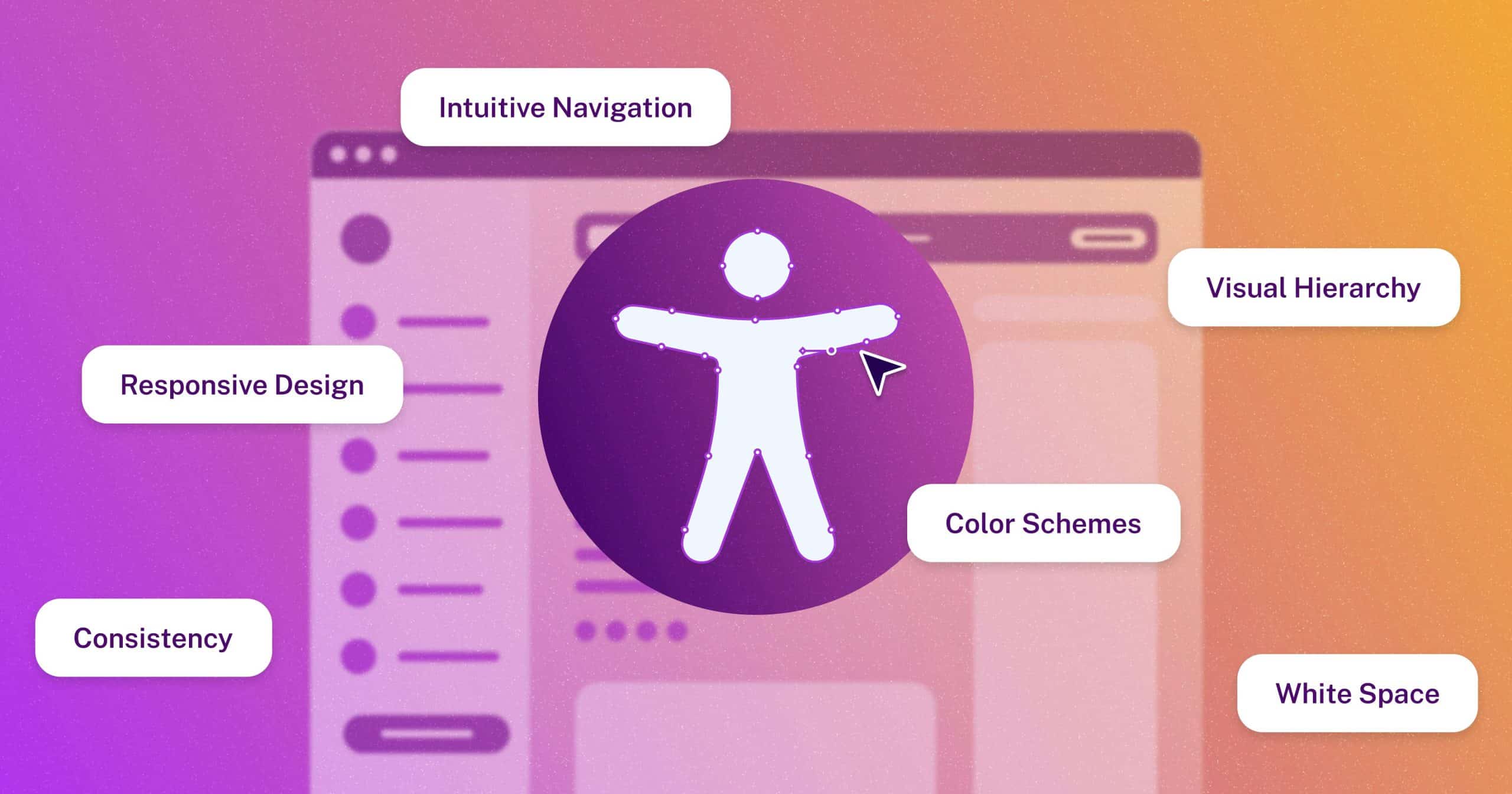
Think about closed captions. They help deaf users, but they’re also great for people in noisy environments. High-contrast text helps users with low vision—and also anyone reading on a sunlit phone screen. Accessibility features are usability features.
6. It Future-Proofs Your Site
As technology evolves, accessibility best practices position your site to adapt more easily to new devices, voice interfaces, screen readers, and AI tools.
Step-by-Step Guide: How to Make Accessibility Your Web Design Superpower
Here’s how you can start building more accessible websites—step by step.
Step 1: Understand the WCAG Guidelines
Start by getting familiar with the Web Content Accessibility Guidelines (WCAG). These are internationally recognized standards that outline how to make web content more accessible.
The core principles of WCAG are POUR:
-
Perceivable – Users must be able to perceive the information being presented.
-
Operable – Interface components must be operable by all.
-
Understandable – Content must be easy to understand.
-
Robust – Content must be robust enough to be interpreted by various user agents (including assistive technologies).
Aim for WCAG 2.1 Level AA compliance—the most commonly required standard.
Step 2: Use Semantic HTML
Semantic HTML tags (like <header>, <nav>, <main>, <footer>, <article>, and <section>) provide meaning and structure to your content. This helps screen readers interpret the page correctly and improves search engine indexing.
Avoid using <div> and <span> for everything. Use elements as they’re intended.
Step 3: Ensure Keyboard Navigation
Many users rely on keyboards (instead of a mouse) to navigate the web. Make sure users can:
-
Tab through elements in a logical order
-
Access dropdowns, buttons, and forms via keyboard
-
See a visible focus state (e.g., outline) when navigating with Tab
Test your site by navigating only using the keyboard—if it’s difficult, it’s time to adjust.
Step 4: Add Text Alternatives (Alt Text)
Every image should have a relevant alt attribute that describes its content. This allows screen reader users to understand visual elements and improves your SEO.
✅ Good alt text: alt="Golden retriever playing in a field of flowers"
❌ Bad alt text: alt="image123.jpg" or leaving it blank
If the image is decorative and doesn’t convey content, use alt="" to tell screen readers to skip it.
Step 5: Ensure Sufficient Color Contrast
Text must be readable against its background. WCAG recommends:
-
4.5:1 contrast ratio for normal text
-
3:1 for large text (18pt+ or 14pt bold)
Use tools like WebAIM’s Contrast Checker to verify your design choices.
Avoid relying on color alone to convey information (e.g., green for “success” and red for “error”). Use icons, text, or patterns alongside color.
Step 6: Make Multimedia Accessible
For videos and audio content:
-
Provide captions for videos
-
Offer transcripts for audio
-
Include audio descriptions for visual elements that need explanation
These features help users with hearing or visual impairments—and also boost your SEO with extra text content.
Step 7: Design Clear Forms
Forms should:
-
Have labels for every input field
-
Offer clear error messages (not just “Something went wrong”)
-
Use accessible input types (like
type="email"ortype="tel")
Ensure screen readers can announce form fields, instructions, and errors clearly.
Step 8: Test with Real Tools and Real Users
Accessibility isn’t just a checklist—it’s about real-world usability.
Use tools like:
-
WAVE by WebAIM
-
axe by Deque
-
NVDA or JAWS (screen readers)
-
VoiceOver on macOS/iOS
Whenever possible, include users with disabilities in your testing. Their feedback is invaluable.
FAQs: Web Accessibility & Why It Matters
1. Isn’t accessibility just for people with disabilities?
Accessibility primarily benefits people with disabilities—but it also improves usability for everyone. From slow internet connections to small screens to noisy environments, accessible design shines in real-life scenarios.
2. Will making my site accessible hurt my design?
Absolutely not. In fact, accessible design often leads to cleaner, more intuitive interfaces. Think of it as designing with purpose rather than limitation.
3. How much does it cost to make a website accessible?
The cost varies based on the size and complexity of your site. However, it’s much cheaper to build accessibility in from the start than to retrofit it later. Plus, the return on investment (in terms of SEO, conversions, and legal protection) is significant.
4. How do I know if my website is accessible?
Start with tools like:
But remember: automated tools catch only 20–30% of accessibility issues. Manual testing and real-user feedback are essential.
5. What if I use a CMS like WordPress or Shopify?
Most modern CMS platforms support accessible themes and plugins. Look for:
-
Accessibility-ready themes
-
Plugins that follow accessibility guidelines
-
The ability to edit alt text, structure content semantically, and manage contrast
You still need to be proactive, but the tools are there to help.
Final Thoughts: Accessibility Is Power
Accessible web design isn’t a burden—it’s a superpower. It empowers users, elevates your brand, strengthens SEO, and protects you legally. Most importantly, it makes the digital world more inclusive.
If you’re a web designer, developer, content creator, or business owner, this is your call to action: make accessibility a core part of your workflow. The sooner you do, the better your users—and your site—will perform.
Remember: Great design is not just how something looks—it’s how it works for everyone.
Want to take the next step?
-
Run an accessibility audit on your current site
-
Educate your team about inclusive design
-
Build accessibility into every project from day one
Because in today’s digital landscape, accessible design isn’t just best practice—it’s a competitive edge.