20 Things Every Successful Website Homepage Includes
Your website’s homepage is the digital front door of your business. Within seconds of landing on it, visitors decide whether to stay, explore, or leave. A successful homepage clearly communicates what you offer, why it matters, and what visitors should do next.
But many websites struggle because their homepage is cluttered, confusing, or missing key elements that guide users toward action.
If you’re designing a new site or improving an existing one, understanding what makes a homepage effective is crucial. In this guide, you’ll discover 20 essential elements every successful website homepage includes, along with a step-by-step framework to help you structure your own.
Why Your Homepage Matters
Your homepage often receives the highest traffic of any page on your site. It serves multiple purposes:
-
Introduces your brand
-
Communicates your value proposition
-
Builds trust with visitors
-
Directs users toward key actions (buying, contacting, subscribing)
A well-designed homepage acts as both a welcome page and a conversion tool, guiding visitors to the information they need quickly and easily.
Step-by-Step Guide: Building a High-Converting Homepage
Below is a structured approach to building a homepage that engages visitors and encourages action.
1. A Clear Headline That Explains What You Do
Your headline should instantly tell visitors:
-
What your business offers
-
Who it helps
-
Why it matters
Avoid vague slogans. Instead, aim for clarity.
Example:
“Affordable Website Design for Small Businesses That Want to Grow Online.”
Visitors should understand your value within five seconds.
2. A Strong Subheadline
The subheadline expands on your main headline and gives visitors more context.
It might explain:
-
Your main benefit
-
Your unique selling point
-
The problem you solve
This helps reinforce your message and encourages visitors to keep scrolling.
3. A Compelling Hero Image or Visual

The hero section is the first visual area visitors see.
Great hero visuals can include:
-
Product screenshots
-
Lifestyle imagery
-
Brand photography
-
Illustrations
Your visual should support your message rather than distract from it.
4. A Clear Call-to-Action (CTA)
A homepage should always guide visitors toward a specific action.
Examples include:
-
Get Started
-
Book a Consultation
-
Shop Now
-
Try It Free
-
Learn More
Your CTA should be highly visible and placed above the fold.
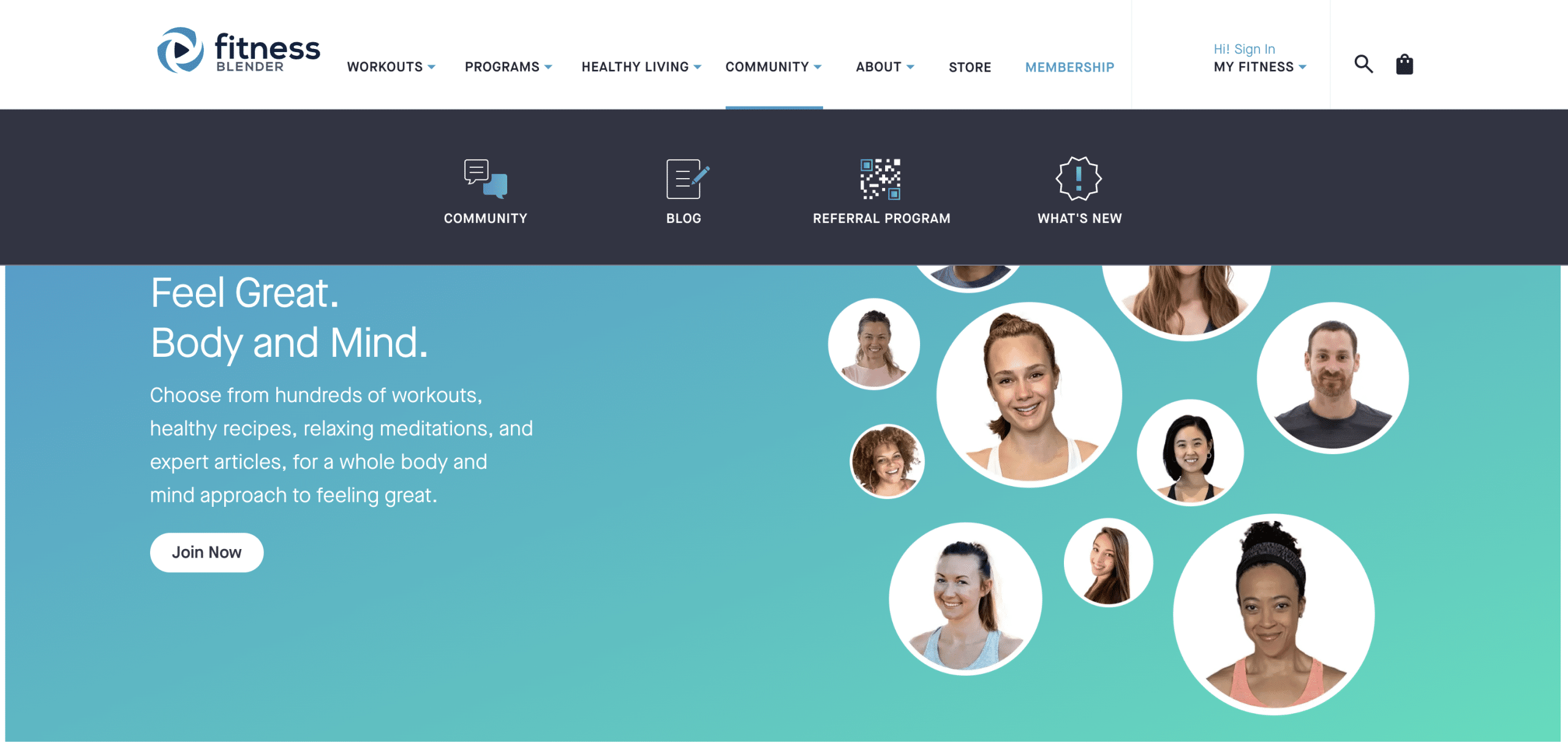
5. Easy-to-Use Navigation Menu
A successful homepage helps visitors find information quickly.
Your navigation should include essential pages like:
-
Home
-
About
-
Services or Products
-
Blog
-
Contact
Keep the menu simple and avoid overwhelming users with too many options.
6. A Short “About” Section
Visitors want to know who they’re doing business with.
A brief introduction builds connection and trust.
Include:
-
What your company does
-
Your mission or purpose
-
Who you serve
Then link to a full About page for more details.
7. Overview of Products or Services
Your homepage should highlight your main offerings.
Instead of listing everything, showcase 3–5 core services or products with:
-
Short descriptions
-
Visual icons or images
-
Links to dedicated pages
This helps visitors explore deeper into your site.
8. Social Proof
Social proof reassures visitors that others trust your business.
Common types include:
-
Testimonials
-
Customer reviews
-
Case studies
-
Client logos
Displaying this near the top or middle of your homepage can dramatically improve credibility.
9. Testimonials from Real Customers
Testimonials provide authentic feedback from people who have used your services.

Effective testimonials include:
-
The customer’s name
-
Their photo (if possible)
-
A specific result or benefit
Example:
“Our website traffic doubled after working with this team.”
10. Trust Signals
Trust signals help visitors feel confident about engaging with your business.
Examples include:
-
Certifications
-
Security badges
-
Awards
-
Industry memberships
-
Media mentions
These small elements can make a big difference in building confidence.
11. A Value Proposition Section
Your value proposition explains why visitors should choose you instead of competitors.
This section typically highlights:
-
Key benefits
-
Unique features
-
Competitive advantages
Use bullet points to make it easy to scan.
12. Featured Content or Blog Posts
If you run a blog, your homepage should highlight recent or popular articles.
Benefits include:
-
Improving SEO
-
Demonstrating expertise
-
Providing helpful resources for visitors
Show 3–4 recent posts with eye-catching headlines.
13. Visual Content
People process visuals faster than text.
Adding elements like:
-
Infographics
-
Short videos
-
Product demos
-
Screenshots
can make your homepage more engaging and easier to understand.
14. Lead Capture Form
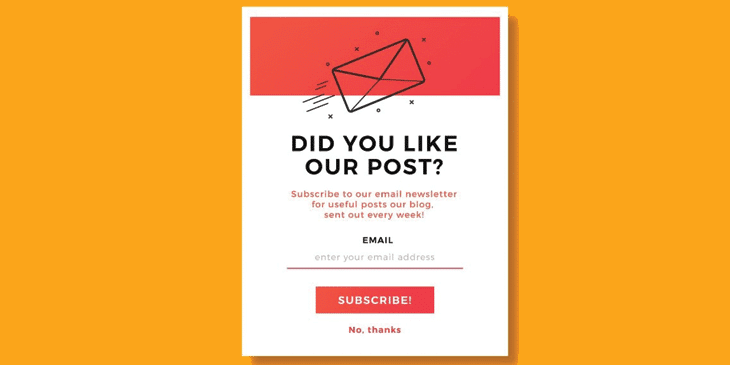
Successful websites often collect leads directly from the homepage.
Common lead magnets include:
-
Free guides
-
Email newsletters
-
Discounts
-
Webinars
Keep the form simple — usually just name and email.
15. Clear Benefits Instead of Just Features
Many websites focus too much on features.
Visitors care more about results and benefits.
Instead of saying:
“24/7 customer support”
Say:
“Get help anytime you need it with our 24/7 support team.”
Benefits show visitors how your product improves their lives.
16. A Logical Page Structure
Great homepages guide users through a clear story:
-
What you do
-
Why it matters
-
How it works
-
Why they should trust you
-
What they should do next
This structure keeps visitors engaged from top to bottom.
17. Fast Loading Speed
Page speed is crucial for both user experience and search engine rankings.
Slow websites cause visitors to leave quickly.
Ways to improve speed include:
-
Compressing images
-
Using reliable hosting
-
Minimizing scripts and plugins
18. Mobile-Friendly Design
More than half of web traffic comes from mobile devices.
Your homepage must:
-
Adapt to different screen sizes
-
Use readable fonts
-
Have easily clickable buttons
A mobile-friendly design is essential for modern websites.
19. Contact Information
Visitors should never struggle to find a way to reach you.
Include:
-
Email
-
Phone number
-
Contact page link
-
Live chat (optional)
Making contact easy builds trust and encourages inquiries.
20. A Strong Footer
Your footer is often overlooked, but it’s an important part of the homepage.
A good footer typically includes:
-
Navigation links
-
Contact details
-
Social media links
-
Privacy policy
-
Newsletter signup
Think of it as a secondary navigation hub.
Common Homepage Mistakes to Avoid
Even with the right elements, certain mistakes can hurt performance.
Avoid:
-
Too much text
-
Too many CTAs
-
Confusing navigation
-
Cluttered design
-
Generic messaging
Your homepage should prioritize clarity, simplicity, and user experience.
FAQs About Website Homepages
What is the purpose of a website homepage?
The homepage introduces your brand, explains what you offer, and directs visitors to key pages. It serves as a central hub that helps users navigate your website.
How long should a homepage be?
There is no fixed length, but modern homepages are typically long enough to tell a clear story while remaining easy to scan. Focus on clarity rather than word count.
What should appear above the fold on a homepage?
The section visitors see without scrolling should include:
-
A clear headline
-
A supporting subheadline
-
A call-to-action
-
A relevant visual
This ensures visitors instantly understand your website’s purpose.
How often should I update my homepage?
You should review and update your homepage regularly, especially when:
-
Launching new products
-
Running promotions
-
Updating testimonials
-
Publishing important content
Regular updates keep your site fresh and relevant.
Can a homepage help with SEO?
Yes. A well-structured homepage improves SEO by:
-
Targeting important keywords
-
Improving user engagement
-
Encouraging internal linking
-
Increasing time spent on site
However, avoid overloading it with keywords. Focus on helpful, user-focused content.
Final Thoughts
A successful homepage is more than just a welcome page — it’s a strategic tool that guides visitors toward action.
By including the 20 elements outlined in this guide, you can create a homepage that:
-
Clearly communicates your value
-
Builds trust with visitors
-
Encourages exploration
-
Drives conversions
Whether you’re building a new website or optimizing an existing one, these best practices will help you create a homepage that leaves a strong first impression and supports long-term growth.