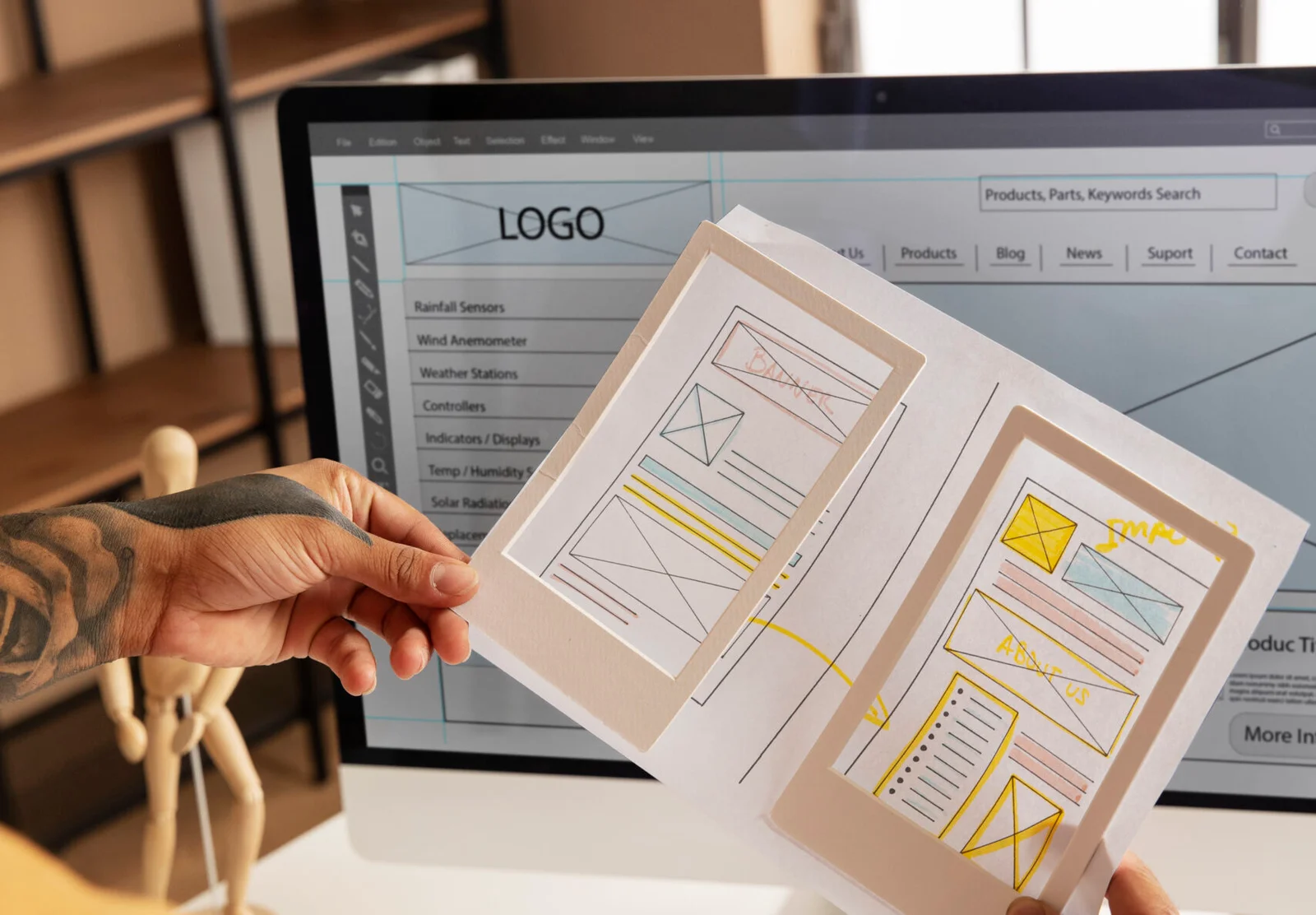
How Website Design Affects Customer Trust: A Complete Guide to Building Confidence Online
In today’s digital world, your website is often the first interaction potential customers have with your business. Within seconds, visitors begin forming opinions about your brand based on how your website looks, feels, and functions. A professional, user-friendly website can encourage visitors to stay, explore, and make a purchase. On the other hand, an outdated or poorly designed site can drive potential customers away before they even learn about your products or services.
So, how website design affects customer trust is no longer just a marketing question—it’s a business-critical one. Research consistently shows that users judge a company’s credibility based on visual appearance, usability, and overall user experience. If your website inspires confidence, visitors are more likely to become loyal customers.
In this guide, you’ll learn exactly how website design influences trust, the essential elements of a trustworthy website, and practical steps you can take to improve your site’s credibility.
Why Customer Trust Matters
Trust is one of the biggest factors influencing online buying decisions. Since customers can’t physically interact with your business, they rely on your website to determine whether you’re legitimate and reliable.
When visitors trust your website, they’re more likely to:
- Stay on your website longer
- Browse multiple pages
- Contact your business
- Subscribe to your newsletter
- Complete a purchase
- Recommend your brand to others
Conversely, a lack of trust can result in higher bounce rates, abandoned shopping carts, and lower conversion rates.

How Website Design Affects Customer Trust
Website design influences trust in multiple ways. Every visual and functional element contributes to the overall impression your business creates.
1. First Impressions Happen Instantly
Studies suggest users form an opinion about a website within moments of arriving. That means your homepage has only a brief opportunity to establish credibility.
A clean, modern design immediately communicates professionalism, while outdated layouts, cluttered pages, or broken elements may create doubt.
Your homepage should clearly communicate:
- Who you are
- What you offer
- Why customers should choose you
- How visitors can take the next step
2. Professional Visual Design Builds Credibility
People naturally associate polished design with trustworthy businesses.
Professional website design includes:
- Consistent branding
- High-quality images
- Balanced layouts
- Readable typography
- Thoughtful use of white space
- Attractive color schemes
Consistency across every page helps reinforce your brand identity and makes visitors feel they’re dealing with an established company.
3. Mobile-Friendly Design Increases Confidence
Today, a large percentage of website traffic comes from smartphones and tablets.
If users have to zoom in, struggle to tap buttons, or wait for pages to load, they’ll quickly lose confidence.
Responsive design ensures your website:
- Looks great on every device
- Loads properly
- Keeps navigation simple
- Provides a smooth experience
A seamless mobile experience demonstrates that your business values customer convenience.
4. Fast Loading Speeds Improve Trust
Website speed directly impacts user perception.
Slow websites often create frustration and can make visitors question whether the business is reliable.
Improve loading speed by:
- Compressing images
- Using modern image formats
- Reducing unnecessary plugins
- Enabling browser caching
- Choosing quality web hosting
- Minimizing large scripts
Fast websites create a smoother experience that encourages users to continue exploring.
5. Easy Navigation Makes Customers Feel Comfortable
Visitors should never feel lost.
Clear navigation allows users to quickly find:
- Products
- Services
- Pricing
- Contact information
- About page
- Support resources
Simple menus and logical page organization reduce frustration while increasing confidence in your business.
6. Trust Signals Reduce Uncertainty
Trust signals reassure visitors that your business is legitimate.
Examples include:
- SSL security certificate (HTTPS)
- Customer testimonials
- Verified reviews
- Industry certifications
- Awards
- Media mentions
- Secure payment icons
- Privacy policy
- Refund policy
These elements help reduce hesitation before making a purchase.
7. Clear Calls to Action Increase Confidence
Confusing websites often lose customers.
Every page should guide users toward a specific action, whether that’s:
- Booking a consultation
- Contacting your team
- Making a purchase
- Requesting a quote
- Downloading a guide
Simple, action-oriented buttons help visitors feel confident about what to do next.
8. High-Quality Content Builds Authority
Website design isn’t just about visuals.
Helpful, well-written content demonstrates expertise.
Include:
- Detailed service pages
- Helpful blog posts
- FAQs
- Case studies
- Customer success stories
- Educational resources
When visitors find valuable information, they’re more likely to trust your business.
Step-by-Step Guide to Building a Trustworthy Website
If you’re planning a new website or redesigning an existing one, follow these steps to improve customer trust.
Step 1: Start with a Professional Layout
Choose a clean, modern design that reflects your brand.
Avoid:
- Cluttered pages
- Flashing animations
- Poor color combinations
- Inconsistent fonts
Focus on simplicity and clarity.
Step 2: Make Navigation Effortless
Limit your main menu to essential pages.
Use descriptive labels such as:
- Home
- About
- Services
- Pricing
- Blog
- Contact
Visitors should reach important information within a few clicks.
Step 3: Optimize for Mobile Devices
Test your website on:
- Smartphones
- Tablets
- Different browsers
- Various screen sizes
Ensure buttons are easy to tap and text remains readable.
Step 4: Improve Website Speed
Use tools to measure loading performance and identify bottlenecks.
Common improvements include:
- Compressing images
- Removing unused code
- Optimizing CSS and JavaScript
- Using a content delivery network (CDN)
A faster website enhances both user experience and search engine performance.
Step 5: Display Social Proof
Show real customer experiences by including:
- Testimonials
- Star ratings
- Client logos
- Before-and-after case studies
- Success stories
Authentic social proof reassures potential customers that others have had positive experiences with your business.
Step 6: Highlight Security Features
Visitors need to know their information is protected.
Include:
- HTTPS encryption
- Secure checkout badges
- Privacy policy
- Cookie policy
- Contact information
Transparency builds confidence.
Step 7: Keep Content Updated
Outdated websites create doubt.
Regularly update:
- Blog posts
- Product information
- Team pages
- Contact details
- Images
- Promotions
Fresh content signals that your business is active and attentive.
Common Website Design Mistakes That Reduce Trust
Avoid these common issues:
- Broken links
- Slow loading pages
- Low-quality images
- Pop-ups that interrupt browsing
- Hard-to-read fonts
- Inconsistent branding
- Missing contact information
- Poor mobile experience
- Outdated content
- Complicated checkout processes
Fixing even a few of these issues can significantly improve customer confidence.
SEO and Customer Trust Go Hand in Hand
Search engine optimization and trustworthy design complement each other.
A well-designed website often benefits SEO because it:
- Improves user experience
- Reduces bounce rates
- Increases time on site
- Supports mobile usability
- Encourages engagement
- Makes content easier to understand
Similarly, strong SEO helps users discover your business, while excellent design encourages them to stay and convert.
Measuring Customer Trust
You can evaluate whether your website is building trust by monitoring key metrics, including:
- Bounce rate
- Average session duration
- Conversion rate
- Returning visitors
- Customer reviews
- Form submissions
- Cart abandonment rate
Pair analytics with user feedback to uncover opportunities for improvement. Even small design refinements can lead to measurable gains in engagement and conversions over time.
Final Thoughts
Understanding how website design affects customer trust is essential for any business that wants to succeed online. Visitors judge your credibility long before they speak with your team or buy your products. A clean, responsive, secure, and easy-to-use website communicates professionalism and helps turn curiosity into confidence.
By investing in thoughtful design, clear navigation, fast performance, valuable content, and visible trust signals, you create an online experience that encourages visitors to stay longer, engage with your brand, and become loyal customers. Building trust isn’t about flashy features—it’s about consistently meeting user expectations and making every interaction feel reliable.
Frequently Asked Questions
1. Why is website design important for customer trust?
Website design creates the first impression of your business. A professional, easy-to-use, and secure website helps visitors feel confident in your brand, while a poorly designed site can raise doubts about your credibility.
2. What website features build customer trust?
Key trust-building features include responsive design, fast loading speeds, HTTPS security, clear navigation, contact information, customer testimonials, transparent policies, and high-quality content.
3. Does mobile-friendly design affect customer trust?
Yes. Many users browse on mobile devices, and a website that works seamlessly on different screen sizes demonstrates professionalism and improves the overall user experience.
4. How does website speed influence trust?
A fast website shows that your business values visitors’ time. Slow-loading pages can frustrate users, increase bounce rates, and reduce confidence in your brand.
5. Can good website design improve SEO?
Absolutely. User-focused website design supports SEO by improving page experience, mobile usability, navigation, and engagement metrics, all of which can contribute to stronger search visibility and better user satisfaction.