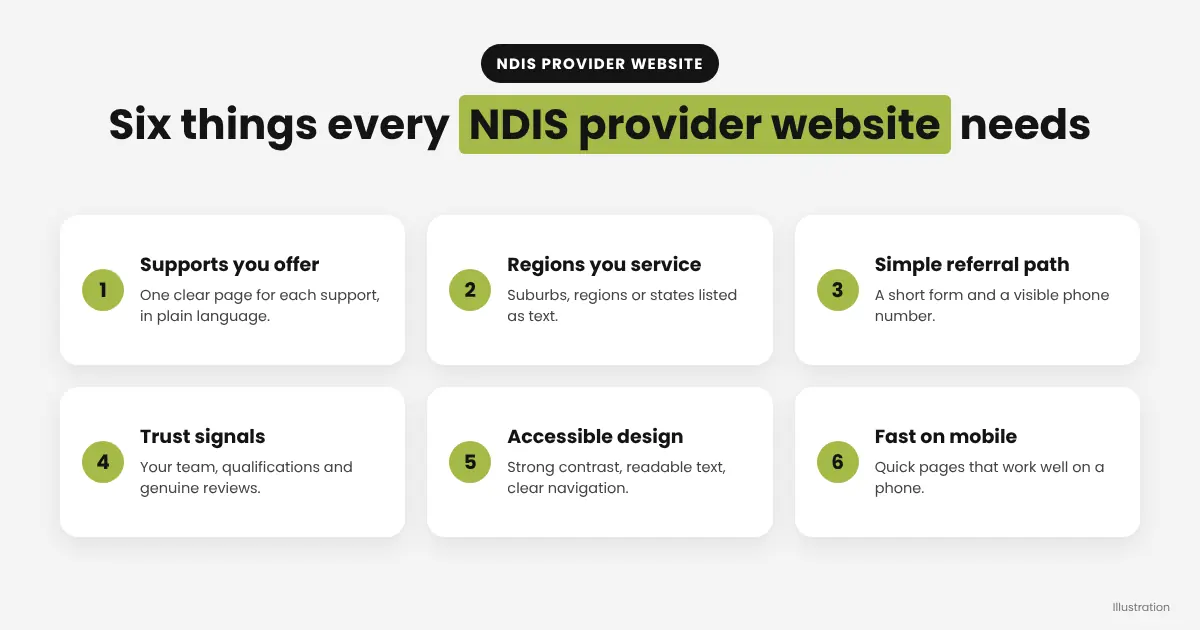
An NDIS provider website needs six things: a clear list of the supports you offer, the regions you service, plain-language content, an easy referral or enquiry path, visible trust signals, and an accessible design. Get those right and participants, families and support coordinators can find you and contact you without friction.
Most NDIS providers get found online when someone searches for support near them, then compare two or three websites before reaching out. This guide covers what your website should include, in the order that matters most, so it works as a referral source and not just an online brochure.
What Should an NDIS Provider Website Include?
Your site should answer the questions a participant or support coordinator asks within the first few seconds: What do you do? Where do you do it? Can you help me? How do I get started? Everything below supports one of those four questions.
Free download: NDIS provider website checklist (one-page PDF)
- Supports offered: list each service on its own page, such as support coordination, community participation or supported independent living, with a short plain-language explanation.
- Service areas: state the suburbs, regions or states you cover, and whether you offer remote or telehealth options.
- A simple referral path: a short form and a visible phone number on every page.
- Trust signals: your registration status, qualifications, team photos and genuine reviews.
- Accessible design: readable text, strong colour contrast and clear navigation.
- Fast, mobile-friendly pages: many people will visit from a phone.
Why Does Plain Language Matter on an NDIS Website?
Plain language matters because your visitors include people with disability, their families and carers, and busy support coordinators who scan quickly. Short sentences, familiar words and descriptive headings help everyone, including people using screen readers or reading in a second language.
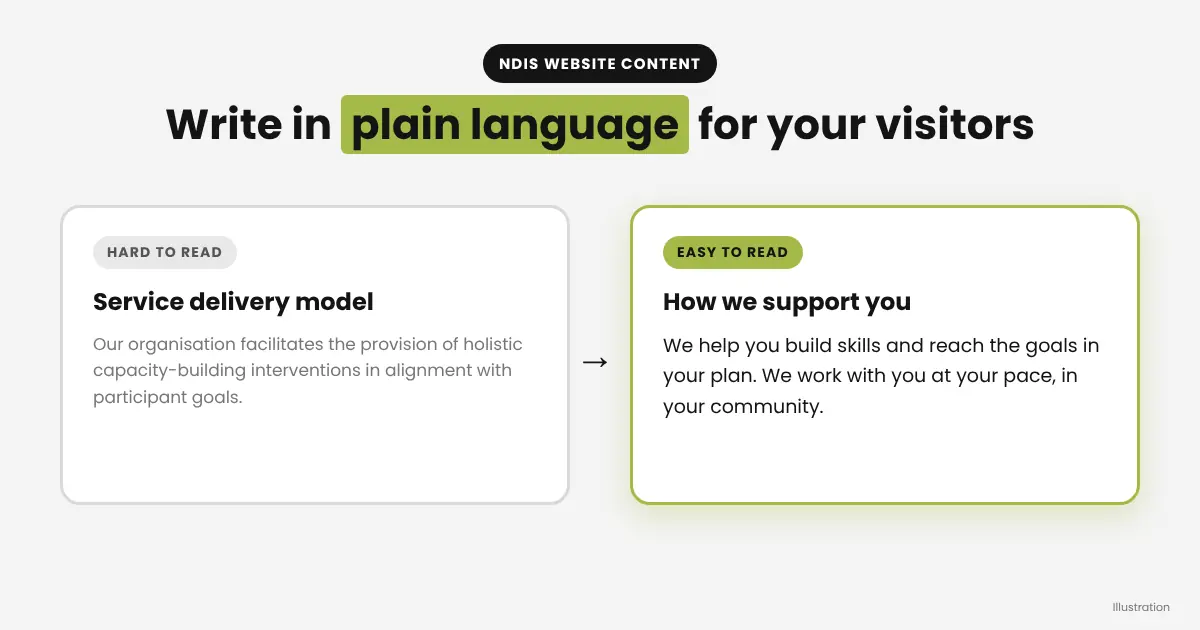
Replace internal jargon with the words your audience uses. Instead of listing a funding category alone, explain what the support looks like day to day and who it suits. Always keep your terminology consistent with what your participants see in their plans, and check current wording on the official NDIS website.
How Should You Show Your Supports and Service Areas?
Give each major support its own page and each key region its own clear mention, so search engines and visitors can match your services to what they are looking for. A single page that lists every service in one long block is harder to read and harder to rank.
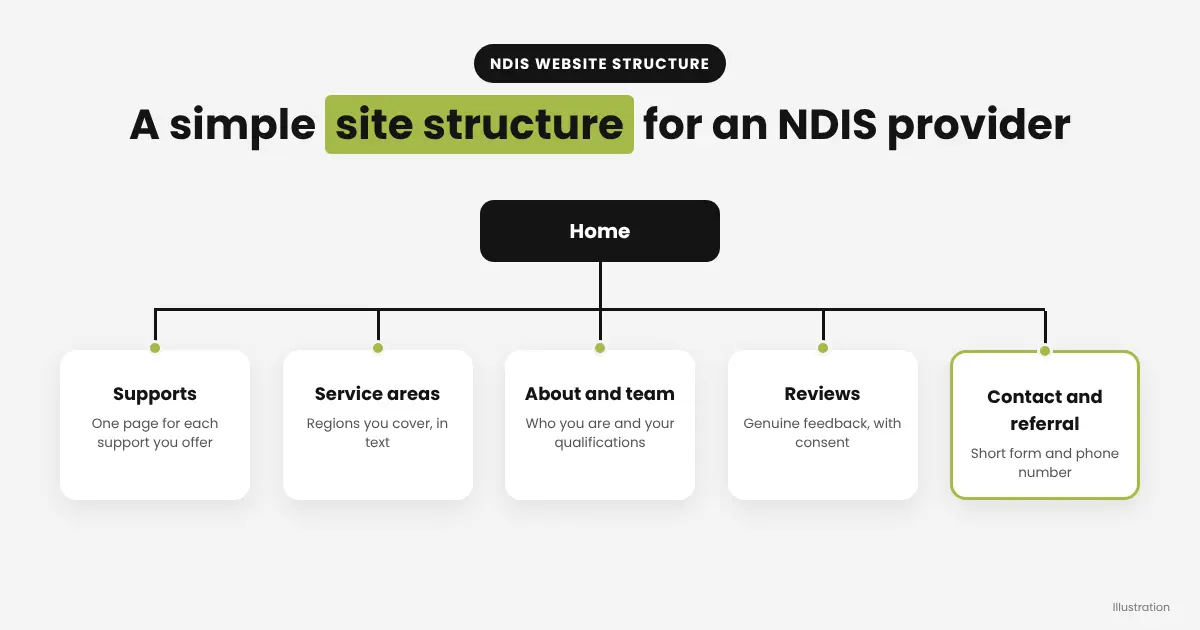
- Create one page per support type, with a short summary, who it helps and how to enquire.
- List the areas you service in text, not only in an image or map.
- Add your business address or service region details to your contact page and your Google Business Profile, keeping them consistent everywhere.
If you service several regions, write genuinely useful content for each one rather than copying the same paragraph and swapping the place name.
What Makes a Good Referral or Enquiry Pathway?
A good referral pathway lets a support coordinator or participant reach you in two clicks or fewer. Put a phone number and an enquiry button in the header, and keep the form short: name, how to contact them, the support needed and the region.
Tell people what happens next, for example that you will reply within a set number of business days, so they know what to expect. A clear next step reduces drop-off, particularly for referrers who are comparing several providers at once.
How Do You Build Trust on an NDIS Website?
Trust comes from showing real people and real proof. Display your registration details where relevant, introduce your team with photos and short bios, and add genuine reviews or testimonials with permission. Avoid stock photos of people who are not part of your organisation, and respect participants’ privacy: never publish personal details or images without clear consent.
How Accessible Should an NDIS Website Be?
Your website should be as accessible as you can make it, because your audience is more likely than most to use assistive technology. A practical starting point is to follow the Web Content Accessibility Guidelines (WCAG).
- Use strong colour contrast between text and background.
- Keep body text at a comfortable reading size.
- Write descriptive alt text for meaningful images.
- Use a logical heading structure so screen readers can navigate.
- Make sure forms have clear labels and every button can be used from a keyboard.
Accessible design is also good for SEO, because clear structure and descriptive text help search engines understand your pages.
How Much Does an NDIS Provider Website Cost?
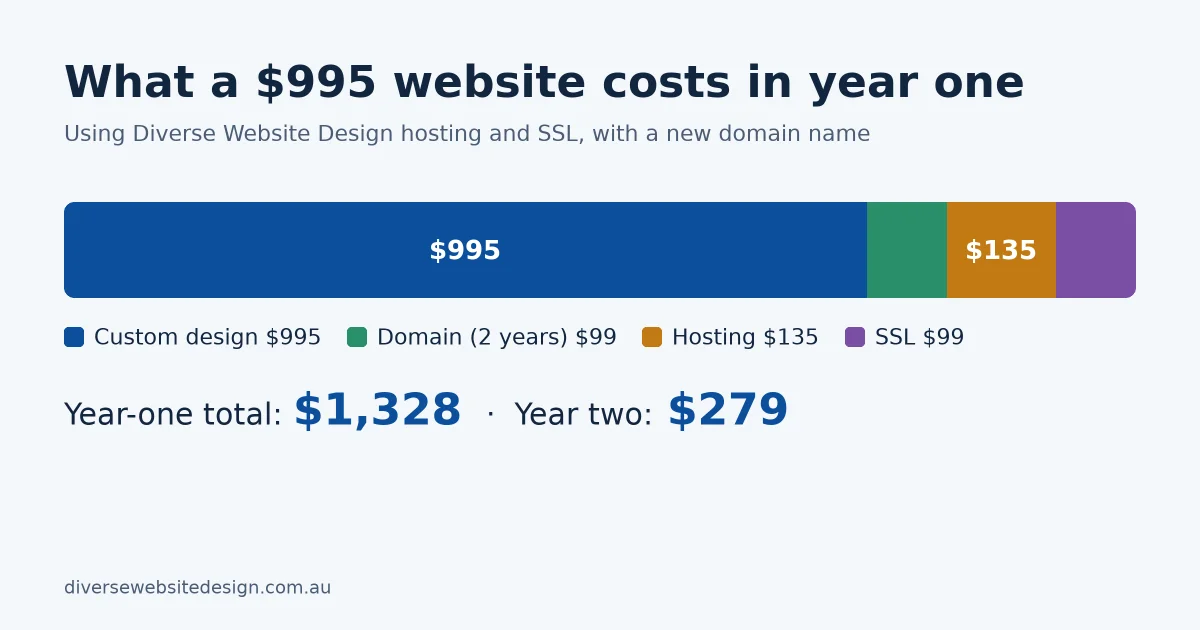
A professional NDIS website can be affordable. Our NDIS website packages start from $995, and we explain what affects pricing in our guide to how much a website costs in Australia. Cost depends mainly on the number of pages, the features you need, such as booking or referral forms, and how much content we write for you.
How Do You Choose a Web Designer for an NDIS Business?
Choose a designer who understands that your site needs to be clear, accessible and easy to refer from. Ask to see relevant examples, confirm exactly what is included in the price, and make sure you will own your website. Our guide on how to choose a web designer in Australia walks through the questions to ask.
What Does This Look Like on a Real NDIS Website?
We recently redesigned the website for Naath Disability Services, a registered NDIS provider in Alice Springs. The goal was a fresh, modern design that made it easy for people to understand the supports on offer and get in touch.
- New, modern design: a clean look that suits the way the organisation supports its participants.
- Faster loading: the website now loads 43% faster, which helps visitors on phones and slower connections.
- A smoother flow: the client loved how the new site guides visitors from the services through to getting in touch.
- More enquiries: the website now brings in 12 more enquiries a month.
The lesson applies to any provider: when your supports are easy to find and the path to contact you is clear, your website does more of the work for you.
Next Steps
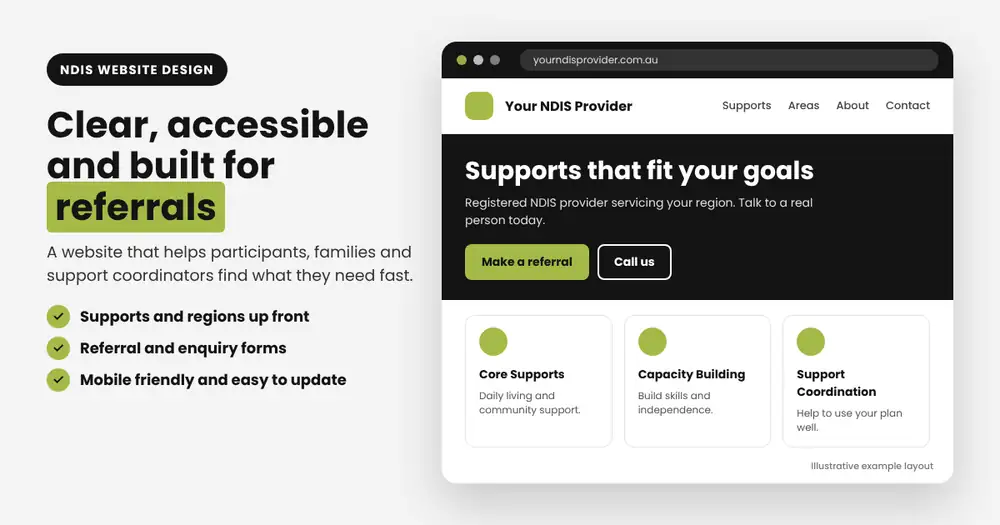
If you are an NDIS provider and want a website that is clear, accessible and built to bring in referrals, see our NDIS website design service. We build websites for providers right across Australia, from sole practitioners to multi-service organisations.
Frequently Asked Questions
Do NDIS providers need a website?
A website is not required, but it is where most participants and support coordinators check your services, regions and contact details before they get in touch. Without one, you rely entirely on word of mouth and directories.
What pages should an NDIS provider website have?
At a minimum: home, one page for each support you offer, service areas, about and team, reviews, and contact or referral. Add a short FAQ page to answer common questions.
Can an NDIS website help with referrals from support coordinators?
Yes. Clear descriptions of your supports, the regions you cover and a quick referral form make it easier for coordinators to choose you and send a referral.
How long does it take to build an NDIS website?
It depends on the number of pages and how quickly content and approvals are supplied. Talk to us about your timeline when you enquire.